Help › Playing a round
Start a round
One setup screen, about ten seconds. iPhone.
- Open the Play tab. Nearby courses are listed, or type a name in the search field.
- Tap your course. A ✓ means it was checked by hand; a ⚠ means it was mapped automatically and may be incomplete. Both work.
- Choose your Tees. The course rating, slope and par show under them.
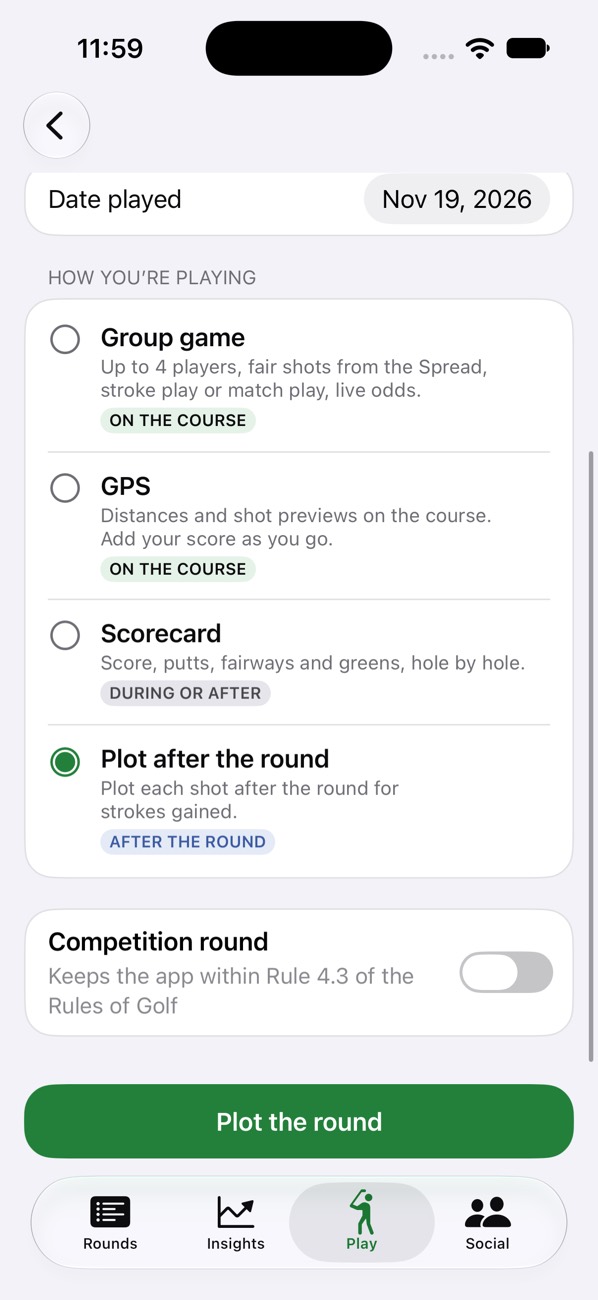
- Leave Date played as today, or change it if you’re adding a past round.
- Under How you’re playing pick GPS, Scorecard, Plot after the round or Group game. With GPS you’ll also see two checks: Keep score (on by default) and Add shots as you go.
- Tap the green button at the bottom: Start round, or Plot the round for Plot after the round.
Playing the same course again
Play again repeats your last course, tees and way of playing with one tap on Start. A round you haven’t finished sits in a Resume card at the top.
No signal on the course?
Starting a round downloads the course so it works offline. Do that on Wi-Fi or with a signal. Your shots and scores save on the phone and sync when you’re back online.